Bagless vacuum losing suction? Start with these checks
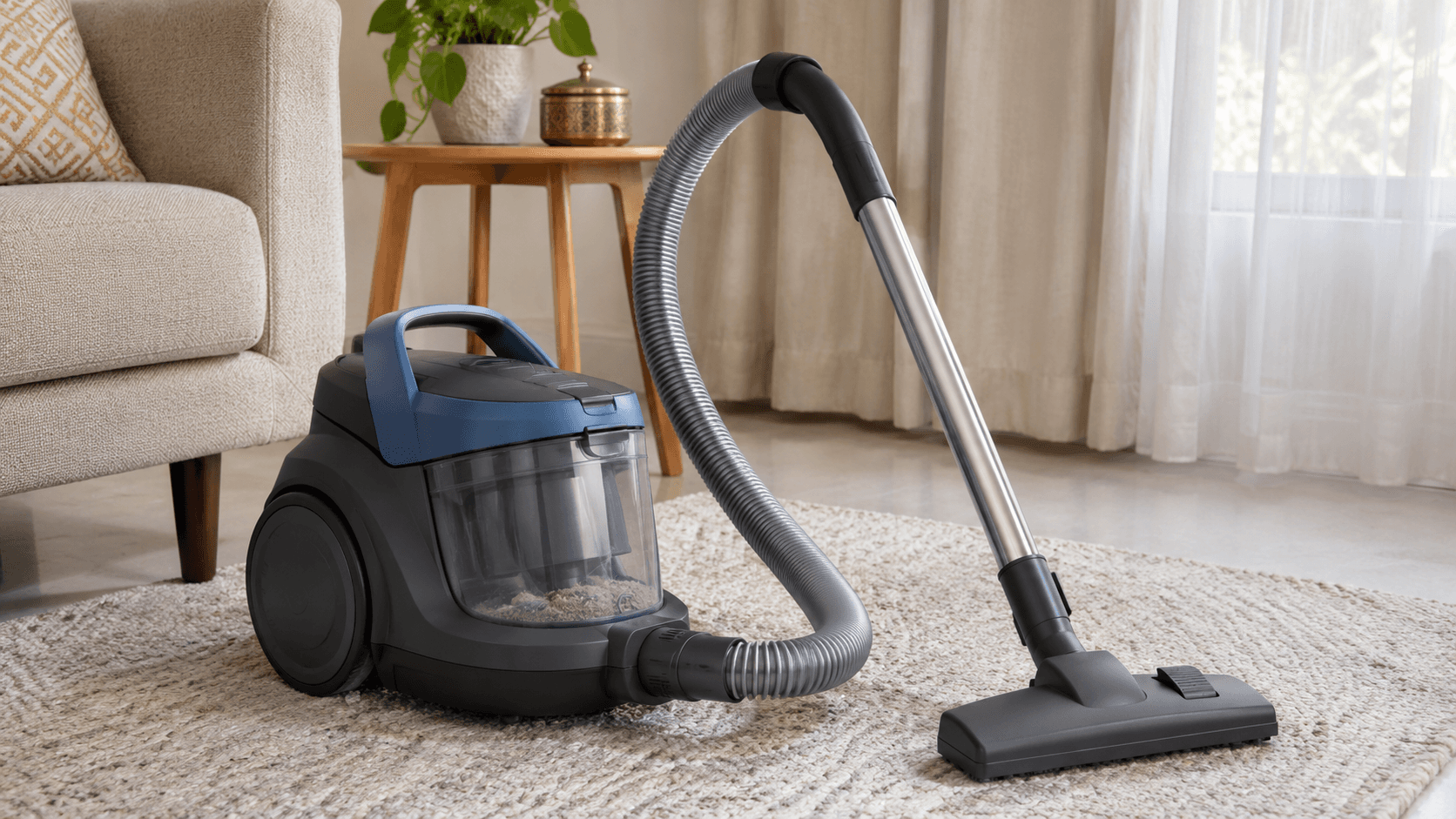
Your bagless vacuum is running, but crumbs remain on the rug and the usual pass across the room feels less effective. Before buying a replacement filter or booking a repair, collect a few observations and check the user-care instructions for your model. A full dust container, a filter needing attention and an obstruction are different things to investigate; the symptom alone does not tell you which one is responsible.
Find the model instructions, isolate the power, and check only the user-accessible bin, filters and attachments.
Describe what changed before taking anything apart
Find the model number on an accessible label or in your purchase record, then open the correct manual. Note when the problem began, which attachment was fitted and whether it happens on every surface or only one rug. Record the selected mode, any warning light or message, and whether the sound has changed.
Use a description such as “leaves crumbs on the sitting-room rug” rather than deciding the motor has failed. If somebody recently emptied or cleaned the machine, ask which parts were handled. Keep those details together in a phone note. This gives you a starting point before several changes make the original behaviour harder to remember.
Check the dust container and its closure
Switch off and isolate the vacuum as its manual directs before hands-on checks. For a corded model, unplug it; for a cordless model, follow the instructions for safe user maintenance and charger disconnection. Check the dust level against the machine's own mark. Dyson's cleaning guide explains that an overfilled bin can reduce suction and advises emptying at its MAX line.
Empty and refit your container by the method in your manual. Check that the lid closes and the container sits correctly, without forcing a latch. A part that looks similar in an online video may release differently from yours. Photograph a damaged catch or seal instead of improvising a repair or removing components that the instructions do not identify for user access.
Read the instructions for each filter separately
Identify the filters by their location and part name. Confirm whether each one should be washed, cleaned another way or replaced. Do not assume every filter is washable, and do not rinse the whole machine because one part can be washed. Keep the manual's diagram beside you so you can recognise the correct component.
For the washable filters it covers, Dyson's cordless filter-care guide specifies at least 24 hours of drying and requires the filter to be completely dry before refitting; a damp filter can damage the motor. This is a manufacturer example, not a universal drying time. Follow your own model's washing, drying and replacement instructions, including any restrictions on heat or cleaning products.
Inspect the accessible head and airflow route
Samsung's stick-vacuum troubleshooting guidance includes checking the brush, dust container and pipe for blockages when suction drops. With the machine safely isolated, inspect only the connections and openings your manual says users can access. Follow its removal and refitting steps for an attachment, wand or hose.
If a release will not move normally, stop rather than pulling harder. Do not push sharp objects into a hose, open motor housings or work on a battery. If something is lodged beyond the area you can reach by the approved procedure, keep a photograph of the visible obstruction and arrange suitable help. The aim is to complete the permitted check without turning it into an uncertain repair.
Reassemble fully before reviewing the result
Use the manual's refitting sequence and confirm all required parts, including filters and the dust container, are present, dry where required and secured. Do not run the machine with parts missing to see whether suction improves. Check the approved head and settings for the floor you intend to clean before normal use resumes.
Example: after completing the prescribed care and reassembly, note whether the same head still leaves crumbs on the same rug in the same mode. Record what changed rather than trying to diagnose an internal fault. If the instructions require a cooling period or another condition before restarting, follow them. Avoid repeatedly restarting a machine that cuts out or displays a warning.
Know when to hand over the information
Stop using the vacuum if there is smoke, a burning smell, visible electrical damage or abnormal heating. For unresolved suction problems, share the model, attachment, warning message and care already completed with the manufacturer or an appropriate technician. Ask what assessment is needed before buying a part purely on a guess.
Example service note: “The bin has been emptied and refitted, and I followed this model's filter-care instructions. Pickup is still poor with the floor head. The model and warning-light photo are attached.” Use only details that apply to your machine. Our floor-care guide helps you check the surface's own care requirements, and you can check the services currently available on Tasko if you need assistance.